
Blog · 05 Sep 2026
Inventory Management Software for Small Business in Pakistan: What You Actually Need
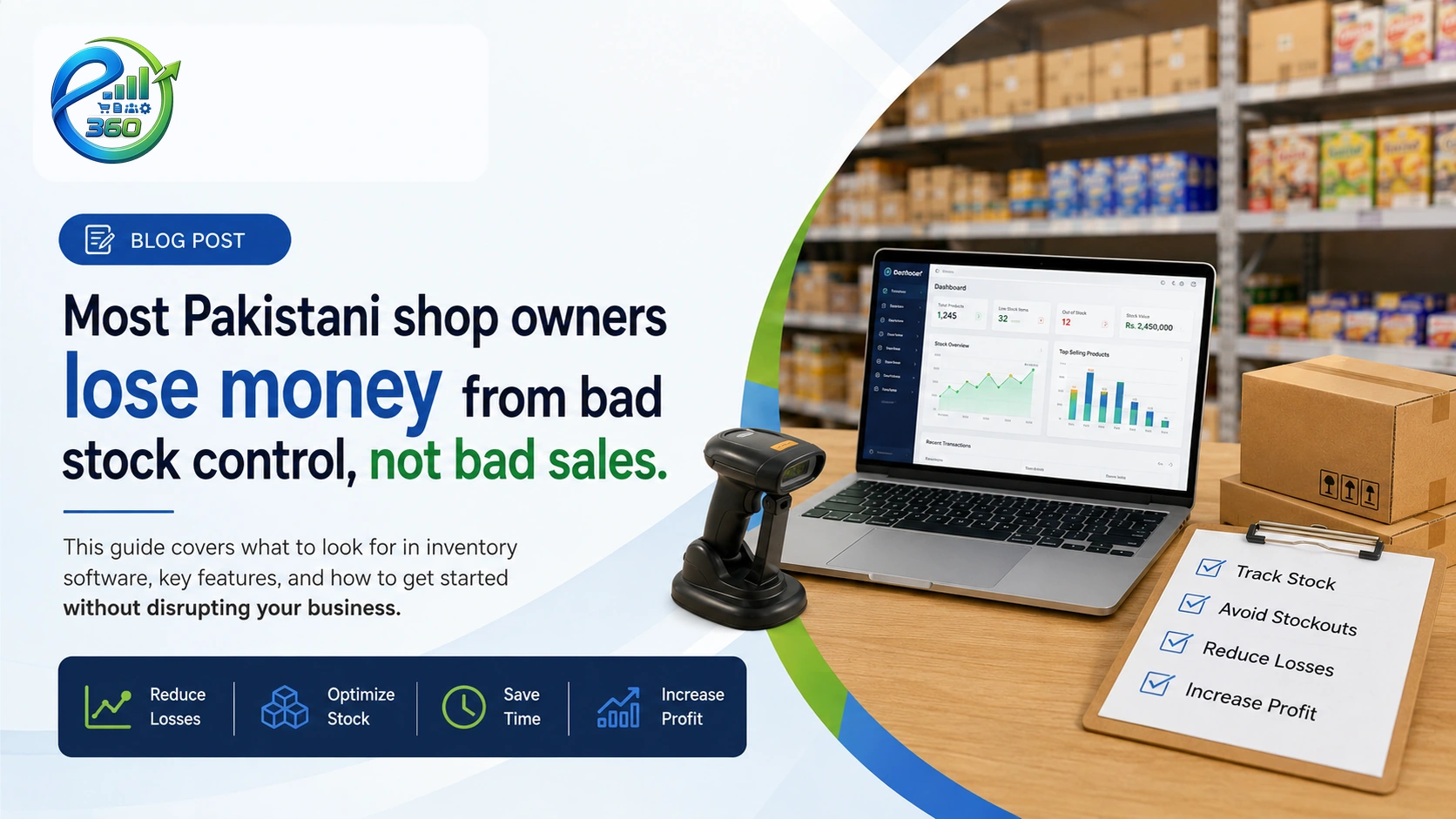
Most Pakistani shop owners lose money from bad stock control, not bad sales. This guide covers what to look for in inventory software, key features, and how to get started without disrupting your business.
Inventory Guide
Most small business owners in Pakistan lose money not from bad sales but from bad stock control. They run out of fast-moving products, hold too much dead stock, and have no clear picture of what they actually have. This guide covers everything you need to know about inventory management software for small business in Pakistan what to look for, which features matter, and how to get started.
The best inventory management software for small business in Pakistan tracks stock in real time, alerts you when products run low, handles purchases from suppliers, and connects directly to your point of sale. For a Pakistani shop, it should also work in Pakistani Rupees, support Urdu product names, and not require a monthly internet connection to run. eKarobar360 does all of this starting at PKR 2,000/month.
- Real-time stock tracking across all products and units
- Low-stock and expiry alerts before you run out or lose goods
- Supplier purchase recording and payables tracking
- Works in PKR, offline-capable desktop version available
The Real Problem with Manual Stock Management
Most small shops in Pakistan still manage inventory through a register notebook, a WhatsApp list, or memory. This works when you have twenty products and one employee. It breaks down the moment your business grows. The right inventory management software for small business in Pakistan solves this before the damage is done.
The problems show up in predictable ways. You order too much of something that is not moving because you had no clear numbers to look at. You run out of your top-selling product on a Friday afternoon because nobody was tracking the count. You have a supplier dispute and no record of what was delivered versus what was invoiced. You cannot tell at month-end whether you made a profit because you have no clear picture of what stock is still sitting on the shelf.
These are not minor inconveniences. Running out of stock costs you immediate sales and, more importantly, customer trust. Holding dead stock ties up cash that could have funded the next order of something that actually sells.
| 30% |
of small business losses come from stockouts and overstock not from slow sales
|
| PKR 0 |
cost to start with eKarobar360 free trial, no credit card required
|
| 2000 |
PKR per month for full inventory, POS, udhaar, and reports all features included
|
What to Look For in Inventory Management Software for Small Business in Pakistan
Not all inventory management software for small business in Pakistan is built the same way. Many options are designed for large US or European businesses and do not fit the way a Pakistani dukaan or wholesale operation actually works.
Here is what matters:
Multiple units for the same product
You buy sugar in 50 kg bags but sell it by the kg. You buy beverages by the case but sell by the bottle. Good inventory software handles multiple units for the same product so your purchase records and sales records both make sense without manual conversion.
Expiry date tracking
For pharmacies, grocery shops, and food businesses, expiry alerts are not optional. The software should flag products approaching their expiry date before they become a write-off or a liability.
Supplier purchase recording
Every purchase from a supplier should update your stock count automatically. You should be able to record what was ordered, what was delivered, what the price was, and how much is still owed to the supplier, without switching between separate apps.
Connection to your POS
If your inventory software is separate from your sales software, your stock counts are always behind. Every sale should reduce the stock count in real time. This is the difference between knowing your actual stock versus guessing it.
Low-stock alerts
Set a minimum level for each product. When stock falls below that level, the software should alert you. This replaces the mental overhead of remembering to check every product level manually.
Pakistan-specific requirement: The software should work in Pakistani Rupees natively and should not require a constant high-speed internet connection. A Windows desktop version alongside the web app ensures you can keep working even when the internet is down.
Manual Notebook vs Inventory Software: The Real Comparison
| Check current stock level | Count manually | Live dashboard |
| Low stock alert | None you notice when you run out | Automatic notification |
| Expiry date tracking | Manual note, easy to miss | Automated expiry alerts |
| Purchase recording | Separate register or receipt folder | Updates stock automatically |
| Supplier payables | Remembered or separate ledger | Supplier ledger built in |
| Profit calculation | End-of-month manual calculation | Real-time P&L report |
| Stock value | Estimate based on last count | Exact value updated live |
| Monthly cost | PKR 0 (but hours of manual work) | PKR 2,000 (saves more in lost stock and errors) |
Key Inventory Features That Actually Matter for a Pakistani Shop
Real-time stock tracking
Every sale, return, and purchase updates the stock count automatically. You do not need to run a manual count at the end of the day. The number you see in the dashboard is the number you have right now.
Barcode and name search
In a busy shop, you do not have time to scroll through a list of 500 products. Good inventory software lets you scan a barcode or type the first few letters of a product name to pull it up instantly at the point of sale and in the stock records.
Purchase and return handling
When you receive goods from a supplier, recording the purchase should take thirty seconds. When a customer returns something, the stock should go back up automatically. Both should create a proper record that your accountant or you can review at any time.
Stock adjustment
Physical counts sometimes do not match the system. Good software lets you record an adjustment with a reason, so your records stay accurate without hiding the discrepancy.
Categories and filters
When you have hundreds of products, you need to filter by category, supplier, or stock status to make sense of the data. Inventory software that shows everything in one flat list becomes useless as your product range grows.
Which Types of Businesses Need This Most
Almost any business that holds physical stock benefits from proper inventory management software for small business in Pakistan. But some businesses feel the pain of manual tracking much sooner than others.
- Retail shops and general stores: High product variety, fast turnover, frequent supplier deliveries all of these require automated tracking to stay accurate.
- Pharmacies: Expiry tracking and controlled stock levels are not optional. A missed expiry alert can cost you in fines or customer harm.
- Mobile and electronics shops: High-value products with serial numbers. Losing track of even one item is a significant loss.
- Wholesalers: Large volumes, multiple units per product, and complex supplier relationships make manual tracking nearly impossible at scale.
- Restaurants and food businesses: Ingredient-level tracking helps you understand your actual food cost and catch shrinkage early.
How to Get Started Without Disrupting Your Business
The biggest reason small business owners delay switching to inventory management software for small business in Pakistan is the fear of setup time. Here is a realistic picture of what it takes to get started with eKarobar360:
- Create your account: Takes five minutes. Sign up free, no credit card required. Set your business name, currency (PKR), and timezone.
- Add your products: You can import products in bulk from a spreadsheet or add them one by one. Most shops with under 200 products finish this in one to two hours.
- Set up suppliers: Add your main suppliers so that when you record a purchase, it updates your stock and logs the payable automatically.
- Set low-stock levels: For your top 20 fastest-moving products, set a minimum stock level. The software will alert you before you run out.
- Start selling on POS: Every sale now reduces your stock count in real time. Your inventory records are live from the first transaction.
- Free to start no upfront payment or credit card
- Web app works in any browser, Windows desktop app for offline use
- All features included inventory, POS, udhaar, expenses, reports
- Up to 5 businesses on one account
- PKR 2,000/month or PKR 20,000/year (save 17%)
Frequently Asked Questions
1.Can eKarobar360 work without internet?
Yes. eKarobar360 is inventory management software for small business in Pakistan that works both online and offline. The Windows desktop app works without internet and syncs your data when the connection is restored.
2. How does inventory update when a sale is made?
Every sale on the POS reduces the stock count for that product automatically. You do not need to manually adjust stock after each sale. The stock level visible in your dashboard is always current, updated to the last transaction.
3. Can I track products with multiple units, like kg and grams?
Yes. eKarobar360 supports multi-unit products. You can define the purchase unit and the selling unit separately. For example, you can buy rice in 50 kg bags and sell it by the kg, and the system converts automatically between the two.
4. What happens when a customer returns a product?
You process a return in the system, which adds the quantity back to your stock and adjusts the customer's account or issues a credit. The return is recorded with a date and reason so you have a full transaction history.
5. Is eKarobar360 the right inventory management software for small business in Pakistan?
No hard limit on products. eKarobar360 is designed to handle the product ranges of small and medium businesses, including wholesalers with large catalogs. You can also bulk import products from a spreadsheet rather than entering them one by one.