
Billing Software for Shops in Pakistan: What to Look For and How to Choose the Right One
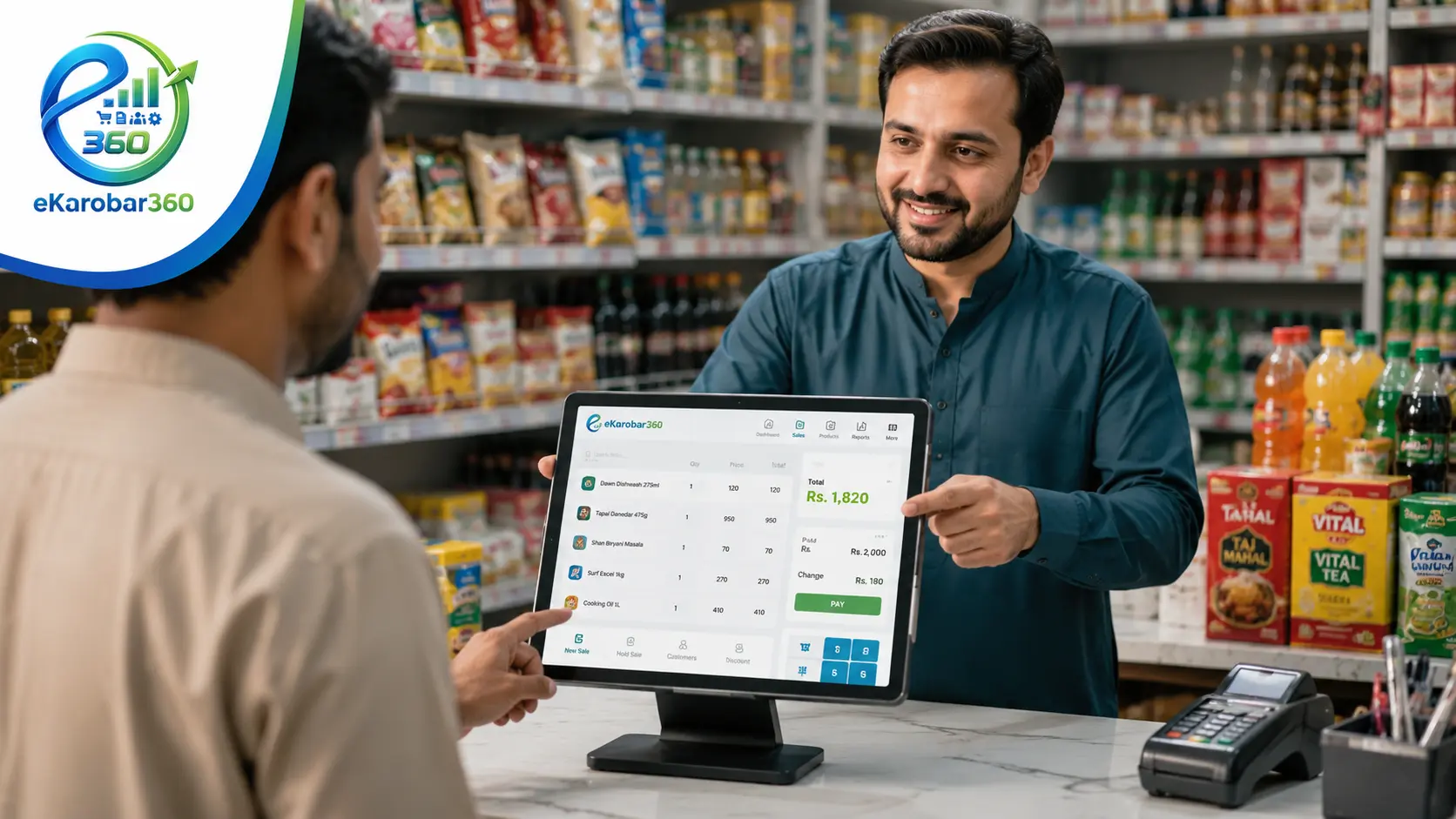
Manual billing works when your shop is very small. Once your customer base grows and credit sales increase, it becomes a liability. Here is how billing software for shops in Pakistan fixes that.
Running a shop in Pakistan without proper billing software for shops in Pakistan means doing everything manually. You write receipts by hand, keep a register for customer ledger entries, and try to remember who bought what on credit.
This works when your business is very small. Once your sales volume increases, your customer base grows, and you start managing inventory alongside billing, manual records become a serious liability.
Billing software for shops in Pakistan has become more accessible in recent years, with several options now available for small and medium-sized retail and wholesale businesses. The challenge is knowing what to look for, what questions to ask, and which features your type of shop actually needs.
This post covers the key features of good billing software, compares manual records with software-based
billing, and explains how eKarobar360 is built specifically for Pakistani shops and businesses.
What Billing Software for a Shop Actually Does
Many shop owners assume billing software just generates receipts. Good shop management software in Pakistan does much more than that. It connects your billing with your inventory, your customer ledger, and your daily sales reports, so everything stays in one place and updates automatically.
A complete billing and shop management system handles:
• Generating bills and receipts for every sale, printed or digital
• Updating stock levels automatically when a sale is recorded
• Maintaining a customer ledger with credit balances and payment history
• Tracking udhaar (credit sales) per customer with outstanding amounts
• Sending payment reminders to customers when amounts are due
• Generating daily, weekly, and monthly sales reports
• Managing supplier purchases and tracking what you owe
• Supporting multiple payment types including cash, bank transfer, and credit
When all of this runs through a single platform, you spend less time on paperwork, fewer mistakes happen, and you always have an accurate picture of your business finances.
Manual Records vs Billing Software: A Practical Comparison
Before choosing billing software for shops in Pakistan, it helps to understand exactly where manual record-keeping falls short for a growing shop. The table below reflects common situations Pakistani shop owners face:
| TASK | MANUAL / REGISTER | eKAROBAR360 SOFTWARE |
| Generating a bill | Written by hand, no copy kept | Digital receipt, saved automatically |
| Stock update after sale | Updated manually or often forgotten | Automatic on every sale |
| Customer ledger | Separate register, easy to lose | Per-customer digital account |
| Udhaar tracking | Hard to track across many customers | Real-time balance per customer |
| Payment reminders | Called manually or forgotten | Automatic WhatsApp/SMS reminders |
| Daily sales report | Counted from register at end of day | Generated in one tap anytime |
| Supplier purchases | Separate file, not linked to sales | Linked to inventory and expenses |
Features to Check Before Choosing Any Billing Software in Pakistan
Not all billing software available in Pakistan is designed for local business conditions. Some are built for large enterprises and are too complex for a retail shop. Others are too basic and miss features Pakistani shop owners actually need. Before committing to any option, check these points:
1. Urdu language support: Pakistani shop owners and their staff are more comfortable working in Urdu. Software that only runs in English creates a daily friction that slows down operations.
2. Works offline: Internet connectivity in Pakistan is inconsistent. Your billing software must be able to function without an active connection and sync data when connectivity returns.
3. Customer ledger with udhaar tracking: Credit sales are common in Pakistani retail. The software must track udhaar per customer, show outstanding balances, and send reminders automatically.
4. Built for Pakistani tax and invoice formats: Invoices and billing formats should match what Pakistani businesses actually use, including support for NTN numbers and local tax requirements where applicable.
5. Suitable for your shop type: A grocery store, cloth shop, pharmacy, and hardware shop all have different billing needs. The software should handle your specific inventory structure and billing workflow.
6. Affordable pricing for small businesses: Many billing software solutions are priced for large businesses. Look for a plan that works for a single shop or small business without unnecessary features you will not use.
How eKarobar360 Works as Billing and Shop Management Software
eKarobar360 is a complete billing software for shops in Pakistan, built specifically for retail and wholesale businesses across the country. It covers billing, inventory, customer ledger, udhaar tracking, supplier management, and sales reporting in a single platform, with support for both Urdu and English.
It is designed to work for a range of shop types:
| SHOP TYPE | KEY BILLING FEATURES |
| Kiryana and General Stores | Daily billing, stock tracking, customer udhaar, and payment reminders. |
| Cloth and Fabric Shops | Metre-wise billing, customer accounts, and credit management. |
| Pharmacy and Medical Stores | Prescription-linked sales, customer ledger, and expiry tracking. |
| Hardware and Sanitary Shops | Bulk item billing, contractor credit accounts, and supplier tracking. |
| Grocery and Departmental | Fast billing at the counter, stock alerts, and daily sales reports. |
| Bakeries and Food Shops | Order billing, recurring customer accounts, and daily cash tracking. |
| Distributors and Wholesalers |
Multi-retailer ledger management, bulk billing, and outstanding tracking. |
When Is the Right Time to Switch to Billing Software?
Many shop owners delay switching to billing software because they feel their current system is working. In most cases, the right time to switch is before the problems become serious, not after. Consider making the change if any of the following apply to your shop:
• You are spending more than 30 minutes per day on manual billing or ledger entries
• You have had at least one dispute with a customer over payment amounts or credit history
• Your stock count does not match your sales records at the end of the month
• You give udhaar to more than 10 customers and find it hard to track all balances
• You have missed a supplier payment because you lost track of what you owed
• You cannot quickly answer how much your total sales were last week
Switching to billing software for shops in Pakistan does not require technical knowledge or a large investment. eKarobar360 is set up in a single session, and most shop owners are billing through it within the same day they start.
eKarobar360 is set up in a single session, and most shop owners are billing through it within the same day they start.
Get eKarobar360 for Your Shop
eKarobar360 is a complete billing and shop management software for Pakistani businesses. It handles billing, customer ledger, udhaar tracking, inventory, supplier accounts, and sales reporting in one place. The interface runs in both Urdu and English, works offline, and is priced for small and medium shops, not large enterprises.
Whether you run a single kiryana store or a multi-branch distribution setup, eKarobar360 is the billing software for shops in Pakistan that gives you the tools to bill accurately, track credit properly, and see your business clearly.
Start Using eKarobar360 for Free
Frequently Asked Questions
Q: What is the best billing software for shops in Pakistan?
A: eKarobar360 is a billing and shop management software built specifically for Pakistani retail and wholesale businesses. It includes invoice generation, customer ledger, udhaar tracking, inventory management, and sales reporting. It works in Urdu and English and is designed for small and medium shops.
Q: Does billing software for Pakistani shops work offline?
A: eKarobar360 is built to work without a constant internet connection. You can generate bills, update stock, and record customer transactions offline. The data syncs automatically when internet connectivity is available.
Q: Can small shops use billing software in Pakistan?
A: Yes. eKarobar360 is specifically designed and priced for small shop owners in Pakistan. You do not need accounting experience or technical knowledge to use it. Most shop owners set it up and start billing on the same day.
Q: What is a customer ledger software in Pakistan?
A: A customer ledger software keeps a digital record of every transaction between your shop and each customer, including credit sales (udhaar), payments received, and current outstanding balances. eKarobar360 includes a full customer ledger with automatic payment reminders.
Q: Is eKarobar360 suitable for grocery store POS in Pakistan?
A: Yes. eKarobar360 works as a point of sale system for grocery stores, kiryana shops, and departmental stores in Pakistan. It supports fast billing at the counter, automatic stock updates, and a customer ledger for credit sales.